Gemini AI Makes Multitasking Easier On Your Phone

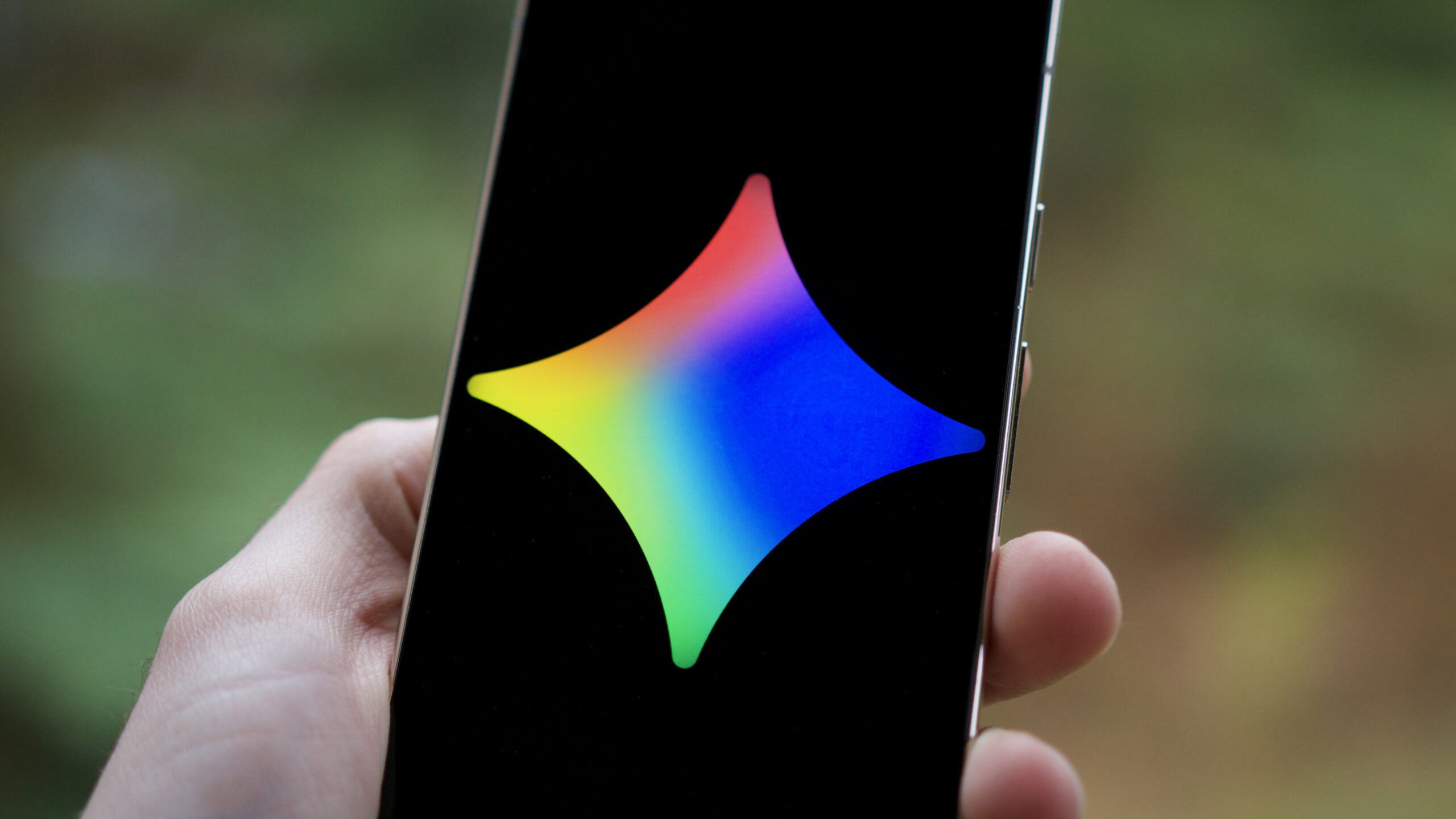
Google is making its Gemini AI assistant even handier for Android phone users, especially those juggling multiple tasks. The latest update means you can now minimise Gemini into a small floating bubble on your screen. This little bubble stays put, even if you switch to another app, like checking emails or looking up something on the web.
Think of it like this: if you're writing a text message and need Gemini to quickly rephrase something, you can ask it, get the answer, and then shrink it down. The AI help is still there, just out of the way, ready to pop back up when you need it again. Before, using Gemini often meant it took over your whole screen, which could be a bit disruptive if you were in the middle of something else.
For a small business owner, this could be quite useful. Imagine you're on a call, and you quickly need to draft a short, polite email to a client. You could use Gemini for a quick draft, minimise it, and then paste the text into your email app. Or, if you're trying to figure out a recipe while also looking at your shopping list, Gemini can sit quietly in the corner, ready to answer questions without forcing you to constantly switch apps.
While it might seem like a small technical tweak, these kinds of improvements make AI tools much more practical for everyday use. It's about making AI fit into how people actually use their phones, rather than demanding their full attention. It's a step towards Gemini being a more seamless, ever-present helper rather than a separate app you have to fully engage with. This update focuses on convenience, making your digital life a little less clunky.
Why it matters
For everyday Australians, this means using AI on your phone just got less clunky. Small business owners can quickly get AI help for tasks like drafting messages without stopping what they're doing, saving precious time and effort in a busy workday.
Discussion(0)
Loading comments…
Related articles

Google's AI Assistant Offers Free Morning Briefs for Your Day
3h ago

Google's Latest AI Can Be Faster And Safer
11h ago
Making Your Smart Home Smarter and Less Frustrating
13h ago

MrBeast Is Using AI To Survive, Can It Help Your Business?
15h ago

Better AI Weather Forecasts Could Help Your Day
17h ago
Your Smartwatch Just Got Smarter With Google’s AI
18h ago